
Play with Crema 🐶
Your own pet, living on your desktop.
Meet Crema — our desktop dog. Then turn your own dog, cat, or any pet into one, from a few photos. For Mac & Windows.
Your own pet, living on your desktop.
Meet Crema — our desktop dog. Then turn your own dog, cat, or any pet into one, from a few photos. For Mac & Windows.
Free to download · unlock the full version with a license key.
Unlock the full version with a license key — enter it via right-click → “Enter License”. Have a promo code? Use it at checkout.
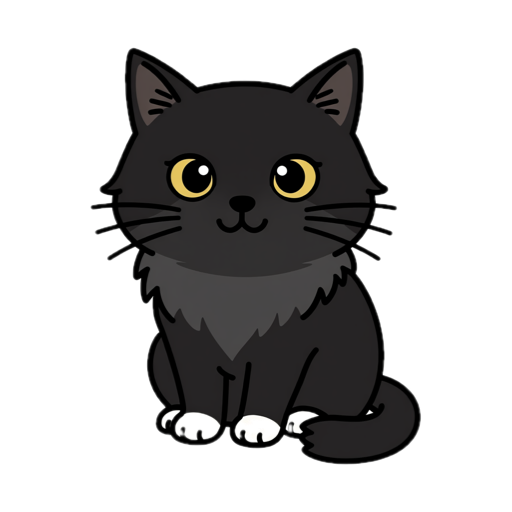
Miss them while you work? Send up to 3 photos of your own pet — your dog, your cat, the one waiting at home — and we'll bring them to your desktop. It naps, sits, and snacks on files just like Crema, but it's yours: your pet's face, your pet's fur, right beside you all day.
After checkout you'll upload your pet's photos. We craft it by hand and email your very own desktop pet to you. 📸
Pre-order · delivered from July 26 · upload photos right after checkout.
Curls up beside your work and sleeps until you stop typing.
Click Crema and it sits down to look at you.
Move Crema anywhere. Won't wake it if it's asleep.
Drop a file on Crema — it eats it into the Trash (recoverable).
Blinks, wags its tail, twitches an ear — never a frozen statue.
Tiny and quiet — sits in the corner without slowing your computer down.
Open Crema.dmg and drag Crema into your Applications folder.
Open Crema — your dog appears at the bottom-left of the screen. 🐶
Unzip the download and open Crema.exe.
If Windows shows a warning, click More info → Run anyway.
Your dog appears at the bottom-left. 🐶